
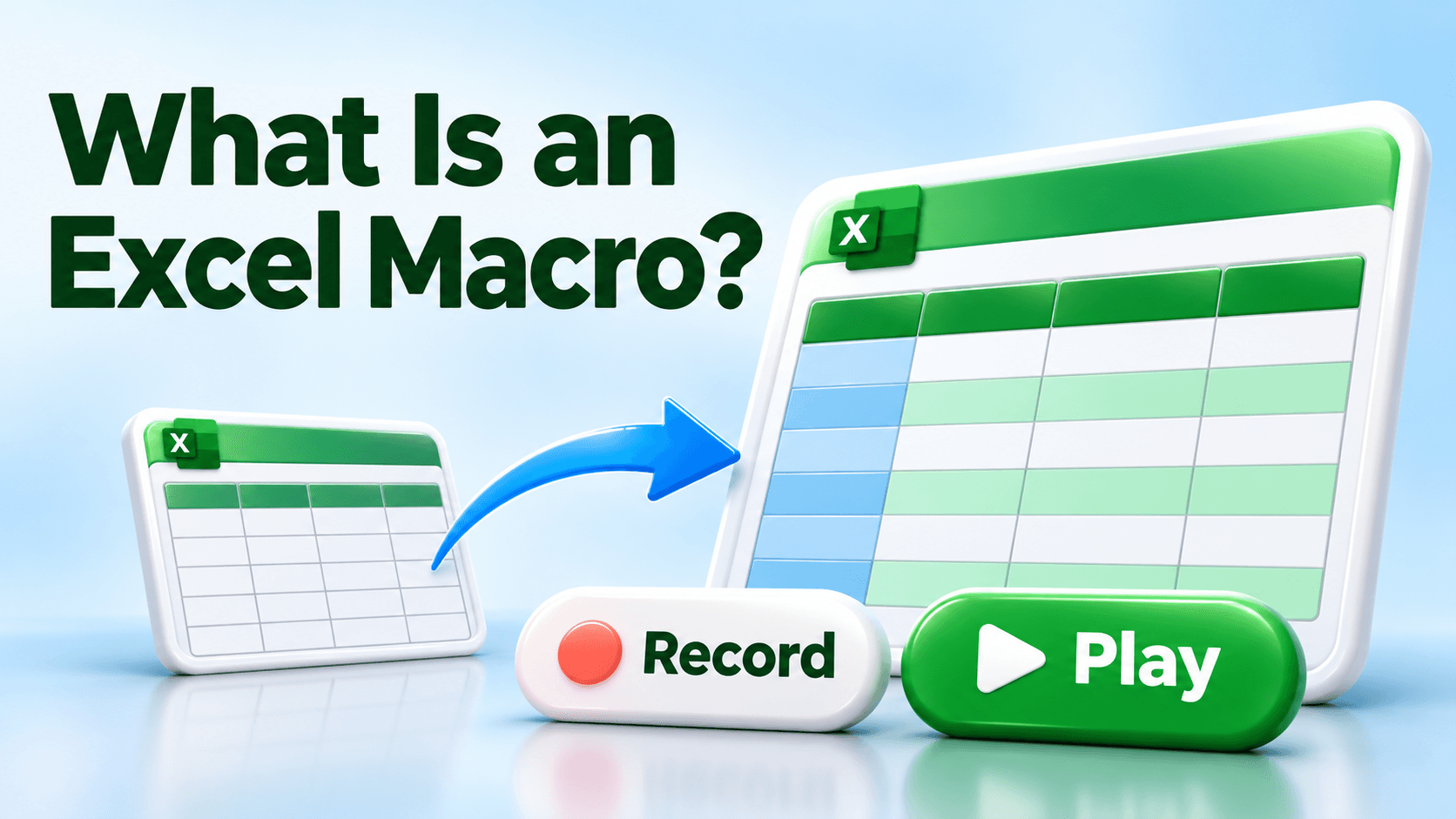


What Is an Excel Macro?
Ever find yourself doing the same steps in Excel every week or every month?
You open a report, make the headings bold, add a background color, and adjust the column widths. Next month, you do it all again.
That’s the kind of repetitive work a macro can help with.
A macro is a set of instructions
An Excel macro is a set of instructions that Excel can run for you to automate a task.
Think of it as a routine you teach Excel. Once that routine is ready, you can run it again instead of repeating each step yourself.
Here’s a familiar example
Imagine you prepare the same monthly expense report. Every time, you:
- Make the header row bold.
- Give the headings a background color.
- Adjust the column widths so everything is readable.
A macro can apply those formatting steps for you. You still review the report and check the numbers. Excel handles the routine you’ve given it.
Do I need to know how to code?
You can start with Excel’s Macro Recorder. It records supported actions as you perform them and turns those actions into a macro you can run again.
You don’t need to write code to record your first macro. Start with a small, predictable task and test it on a practice copy of your workbook.
Start by noticing what you repeat
The next time you think, “Didn’t I do this same thing last week?” take note. You may have found a good candidate for a macro.
Take the next step
Need a PD hour and want to build an Excel skill you can use at work? My Level Up Your Excel Skills: Macros course on LearnFormula offers 1 PD hour upon completion.
Start with “Getting Started with Macros: Your First Recording” to learn how to record your first macro. Check the course’s credit details against your professional development requirements.
Don’t get mad…get skills! 🤙